
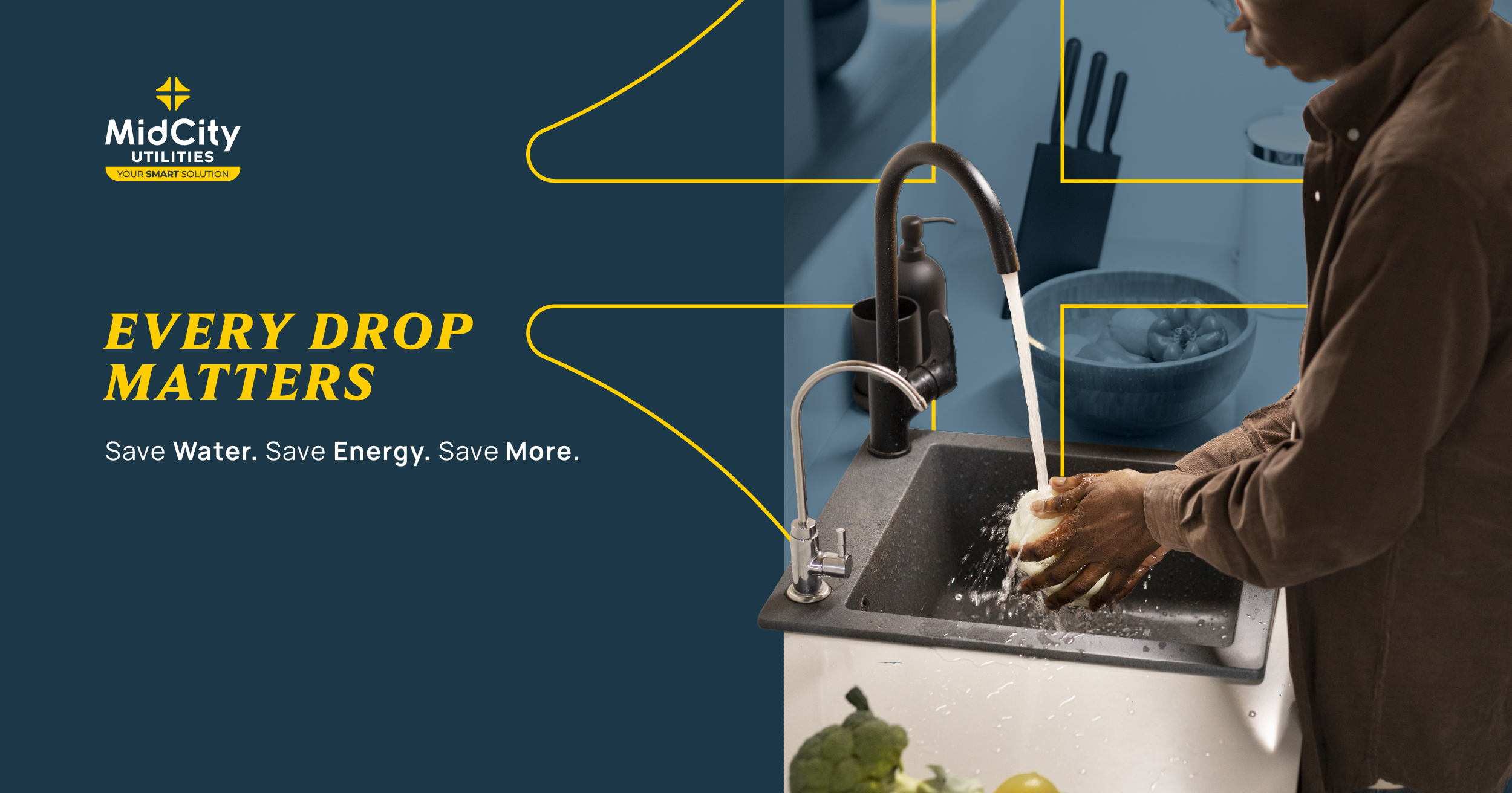
Save Water. Save Energy. Save More.
By MidCity Utilities (Pty) Ltd
With utility costs continuing to rise and environmental pressures increasing, responsible resource consumption has never been more important. Every household can contribute to a more sustainable future through simple everyday actions that reduce water and electricity usage, while lowering monthly utility expenses.
Water remains one of our most precious resources, yet significant volumes are lost every day due to preventable leaks and inefficient consumption. Common sources of water wastage include leaking toilets, dripping taps, damaged pipes, geyser overflows, faulty irrigation systems, and swimming pool leaks. Even a minor leak can waste thousands of litres of water annually, increasing costs and placing unnecessary strain on municipal infrastructure. Routine inspections and timely maintenance are essential to preventing these losses.
Electricity costs continue to put pressure on household budgets, particularly during colder months when heating and hot water usage increase. Fortunately, a few simple adjustments can deliver meaningful savings: for example, heating only occupied rooms, setting geysers between 55°C and 60°C, switching to energy-efficient LED lighting, and unplugging appliances when not in use can significantly reduce electricity consumption without compromising comfort.
Smart metering technology empowers residents with greater control over their utility usage. By providing real-time visibility of water and electricity consumption, smart meters enable households to identify unusual usage patterns, detect leaks early, manage costs more effectively, and make informed decisions about consumption. Access to accurate consumption data often encourages more responsible usage and supports long-term savings.
Building sustainable communities begins at home. By monitoring utility consumption, addressing leaks timeously, and adopting energy-efficient habits, residents can conserve valuable resources while reducing their monthly expenses.
Water-Saving Checklist
- Inspect taps, toilets, and pipes regularly for leaks.
- Perform a monthly water meter leak test.
- Repair leaks as soon as they are detected.
- Check geyser overflow pipes for continuous dripping.
- Inspect irrigation and sprinkler systems for faults.
- Monitor water consumption for unexpected increases.
- Report common property leaks to your Body Corporate or Homeowners Association immediately.
Energy-Saving Checklist
- Set your geyser temperature between 55°C and 60°C.
- Install a geyser blanket and insulate hot-water pipes.
- Replace traditional bulbs with LED lighting.
- Switch off lights when leaving a room.
- Unplug appliances and chargers when not in use.
- Heat only the rooms that are being occupied.
- Invest in energy-efficient appliances where possible.
- Review electricity consumption regularly.
Smart Metering Checklist
- Review your water and electricity consumption regularly.
- Investigate unexpected spikes in usage.
- Set realistic monthly utility budgets.
- Use consumption data to identify savings opportunities.
- Address leaks and excessive consumption as soon as they are detected.
Small Changes, Lasting Impact
Every litre of water saved and every kilowatt of electricity conserved helps protect our environment, strengthens community sustainability, and contributes to a more affordable future for all.