
Effective 16 November 2026
The City of Tshwane has implemented Level 2 Water Restrictions with effect from 16 November 2026 in response to the need to manage water consumption and encourage responsible water usage across the city.
All residents, businesses and institutions are urged to implement water-saving measures immediately. In addition to the restrictions, revised water tariffs will apply, making it increasingly important for consumers to monitor and manage their water consumption.
1. Applicable water tariffs
The following water tariffs will apply in accordance with the City’s Level 2 water restriction tariff structure for Residential user (Scale C):
| Monthly consumption | Tariff per kℓ |
| 0 – 9 kℓ | Free |
| 10 – 18 kℓ | R43.20 |
| 19 – 30 kℓ | R72.66 |
| 31 – 42 kℓ | R89.72 |
| 43 – 60 kℓ | R108.01 |
| Above 60 kℓ | R166.30 ** to be confirmed by COT. |
Consumers should be aware that higher water consumption may result in significantly increased water costs.
A water network access charge of R 203-70 (Excl. VAT) per 30-day period remains applicable where prescribed.
A sanitation network access charge of R 108-00 (Excl. VAT per 30-day period remains applicable where prescribed.
Other consumer categories will be charged in accordance with their respective approved Level 2 tariff structures.
2. Water conservation measures
The City of Tshwane has communicated the following water-saving measures, which should be implemented immediately:
- Gardens and lawns: Avoid watering gardens and lawns using municipal water.
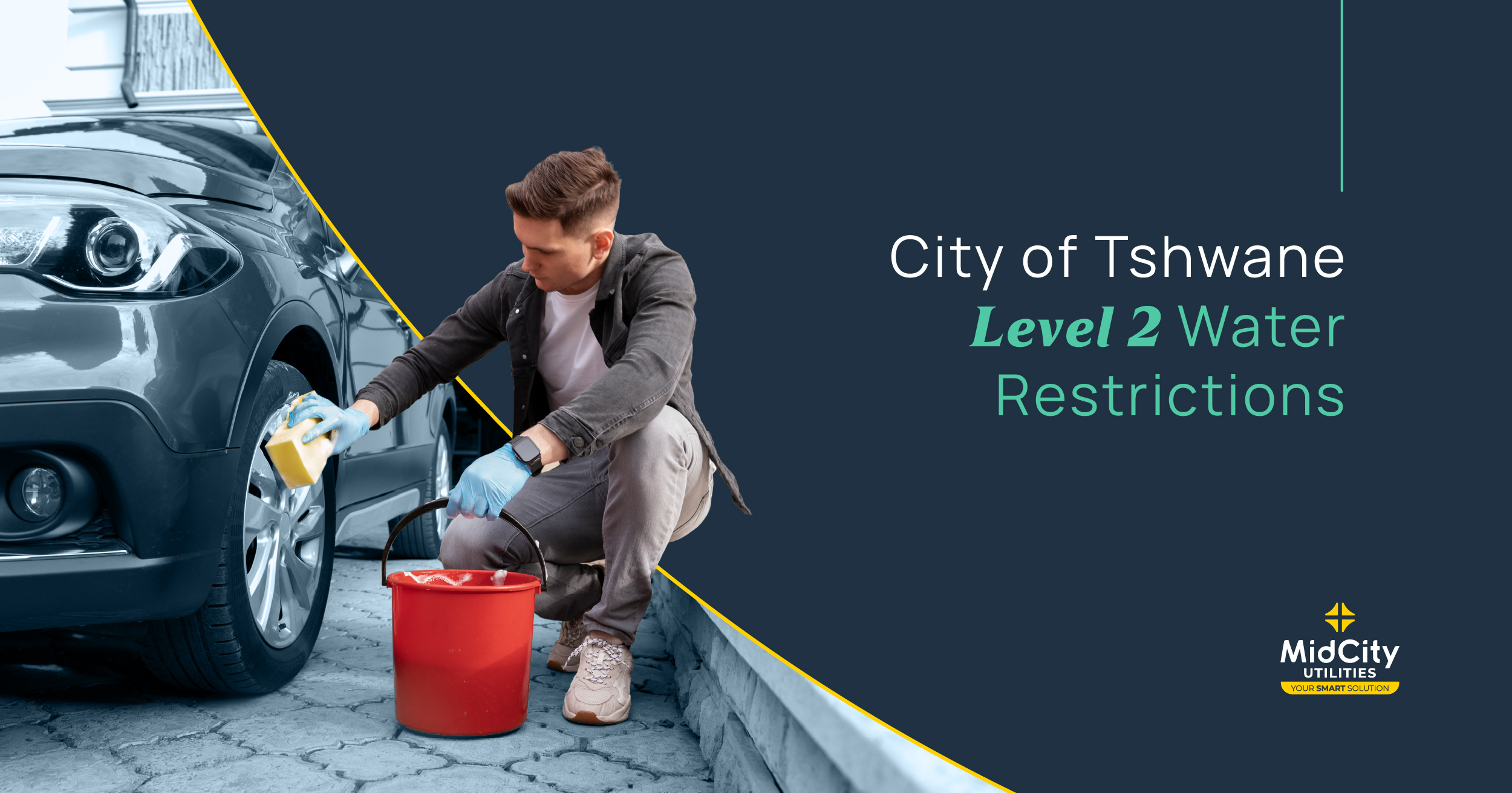
- Washing vehicles: Do not wash vehicles using hosepipes. Use a bucket instead.
- Swimming pools: Avoid filling swimming pools with municipal water.
- Leaks and repairs: Repair leaking taps, toilets, pipes and plumbing installations immediately.
- Household water usage: Avoid leaving taps running unnecessarily when brushing teeth, washing dishes or undertaking other household activities.
- Showers: Reduce showering time and avoid unnecessary water usage.
- Greywater: Reuse greywater, where appropriate, for irrigation and other non-drinking purposes.
- Reporting leaks: Report visible water leaks and burst pipes to the City through its official reporting channels.
- Businesses and institutions: Implement internal water conservation measures to reduce daily water consumption.
Every effort to reduce water consumption contributes towards preserving the City’s water resources and limiting the financial impact of increased consumption.
3. How will this affect MidCity Utilities clients?
Where MidCity Utilities is responsible for the water meter readings and/or water management of your scheme, the applicable City of Tshwane water tariffs will be implemented with effect from 16 November 2026.
The revised tariffs will be incorporated into the water consumption calculations and reflected in your scheme’s billing.
Clients can expect to see the impact of these changes on their statements issued at the end of December 2026, with payment due by 4 January 2027.
We encourage trustees, managing agents, property managers and residents to take note of these changes and actively support water conservation initiatives within their schemes.
4. Working together to conserve water
Water conservation is a shared responsibility. By making small changes to our daily water usage and addressing leaks and unnecessary consumption, we can collectively contribute to protecting our water resources.
MidCity Utilities remains committed to assisting its clients with water meter readings, consumption monitoring and effective water management.
Let’s work together to use water wisely.
MidCity Utilities